Broken Object Level Authorization (BOLA) Protection
Object term frequently used to represent a collection of data / profile (user name, address, phone, etc). This Object access must be restricted only for the user who own the data. User1 cannot access user2 profile. Broken access control to this Object can leads to data breach.
Additional access control like must be implemented. Simple example: passanger name in the ID card should be same as printed in the train ticket.
Create User Name Session Variable On Session Creation
In this step, user name in the access token is extracted and saved to session variable.
Create an iRule to extract user name from session.oauth.scope.last.introspect.username and save it as session variable session.custom.uname
1when ACCESS_POLICY_COMPLETED {
2  set uname [lindex [split [ACCESS::session data get "session.oauth.scope.last.introspect.username"] "."] 1]
3  log local0.notice "introspect.username=$uname"
4  ACCESS::session data set session.custom.uname $uname
5}
Then attach the iRule to virtual server app-1.

Add User Check Logic In Policy
Edit the app-1-prp created earlier in Create Per-Request Policy Profile for Resource Server.
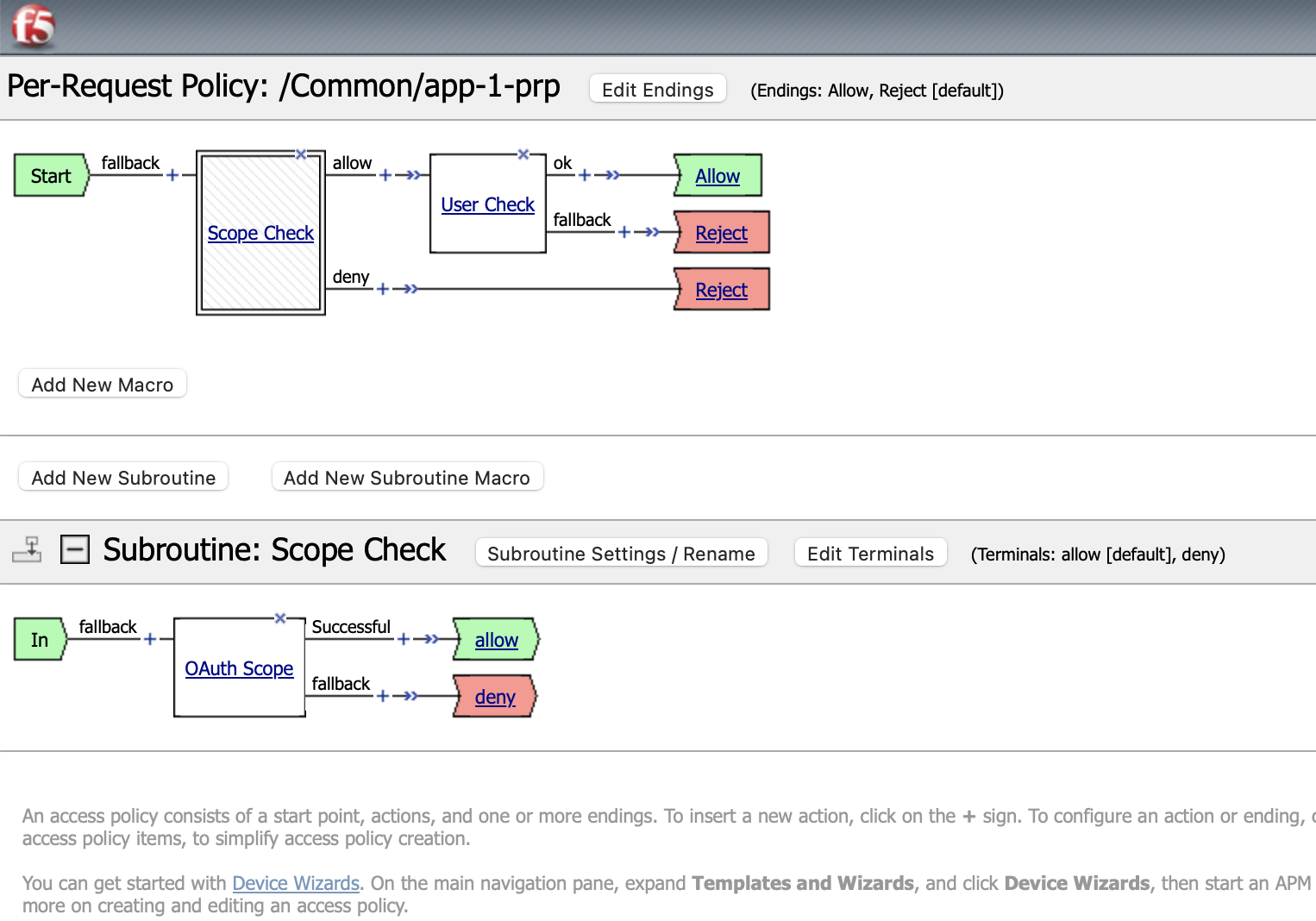
Add new process by click plus (+) sign after allow output of Scope Check process box, add General Purpose > Empty item

Set User Check as new process name
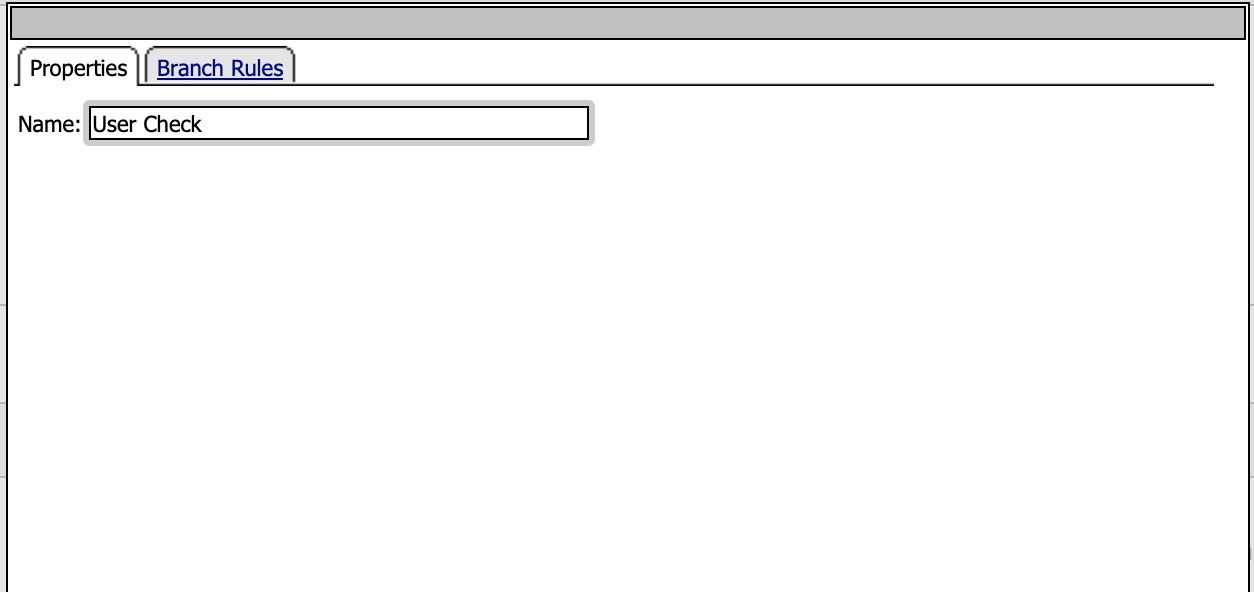
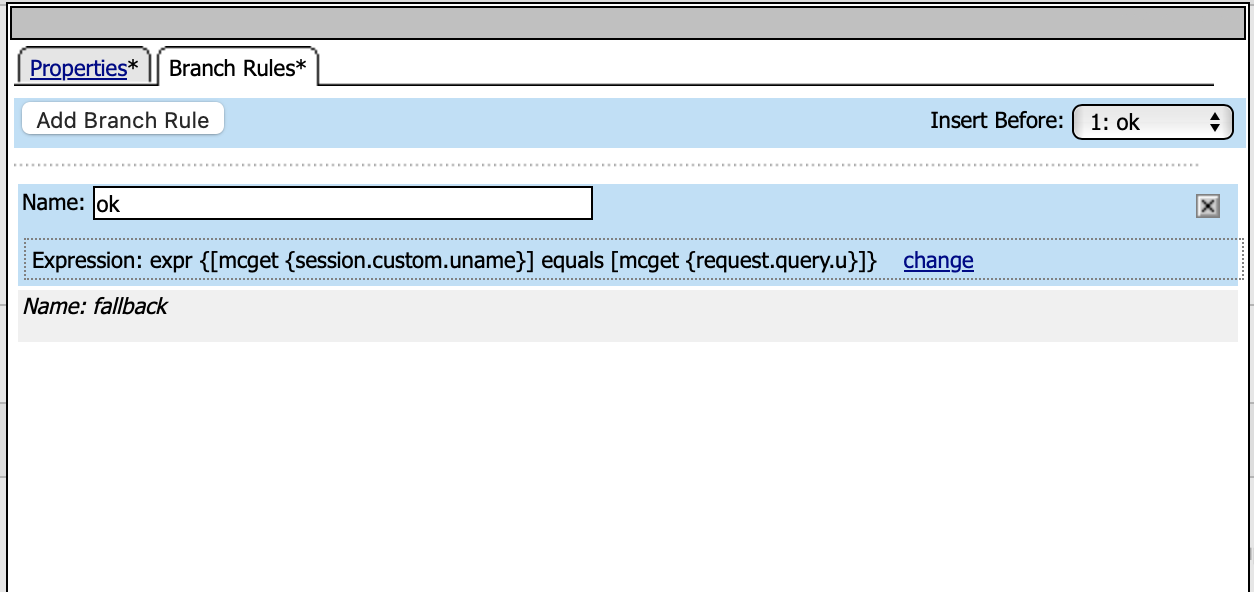
Open Branch Rules tab. Click Add Branch Rule, give it a name “ok”.
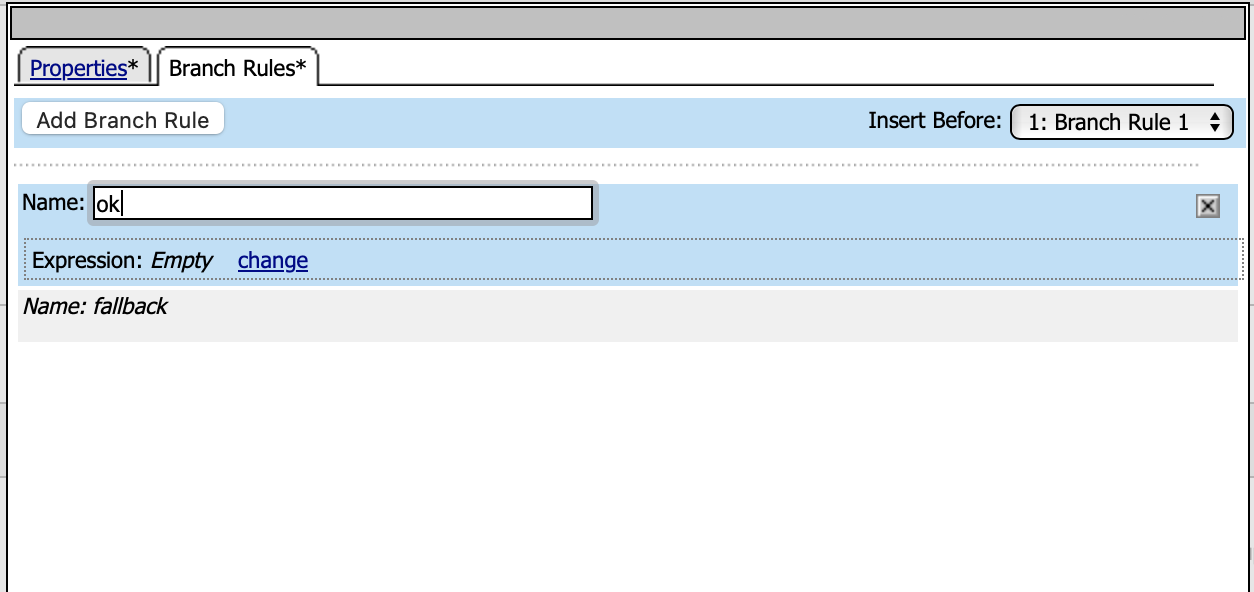
Click “change”
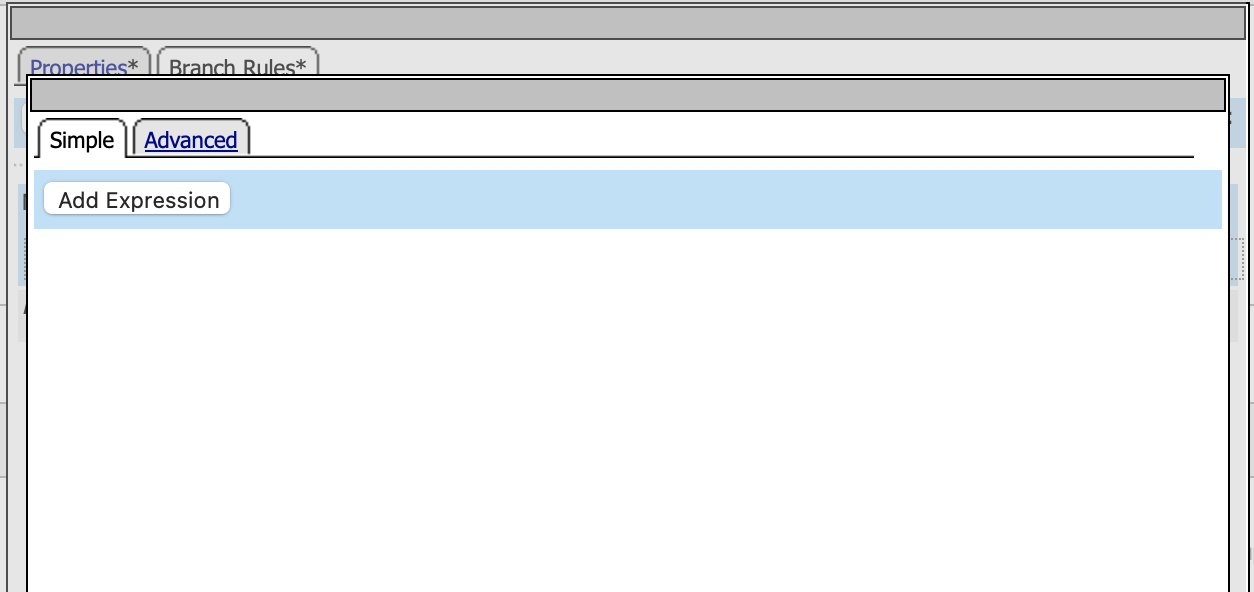
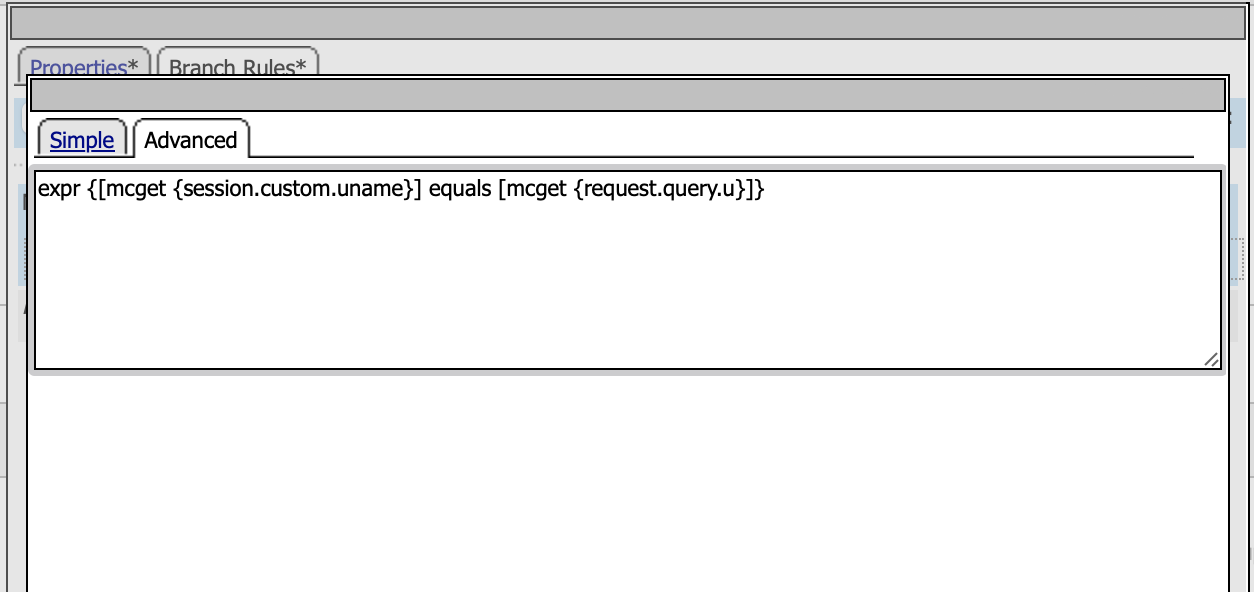
Open “Advanced” tab to edit branch expression and put following expression:
expr {[mcget {session.custom.uname}] equals [mcget {request.query.u}]}
Here defined the logic to do user matching between HTTP request & access token
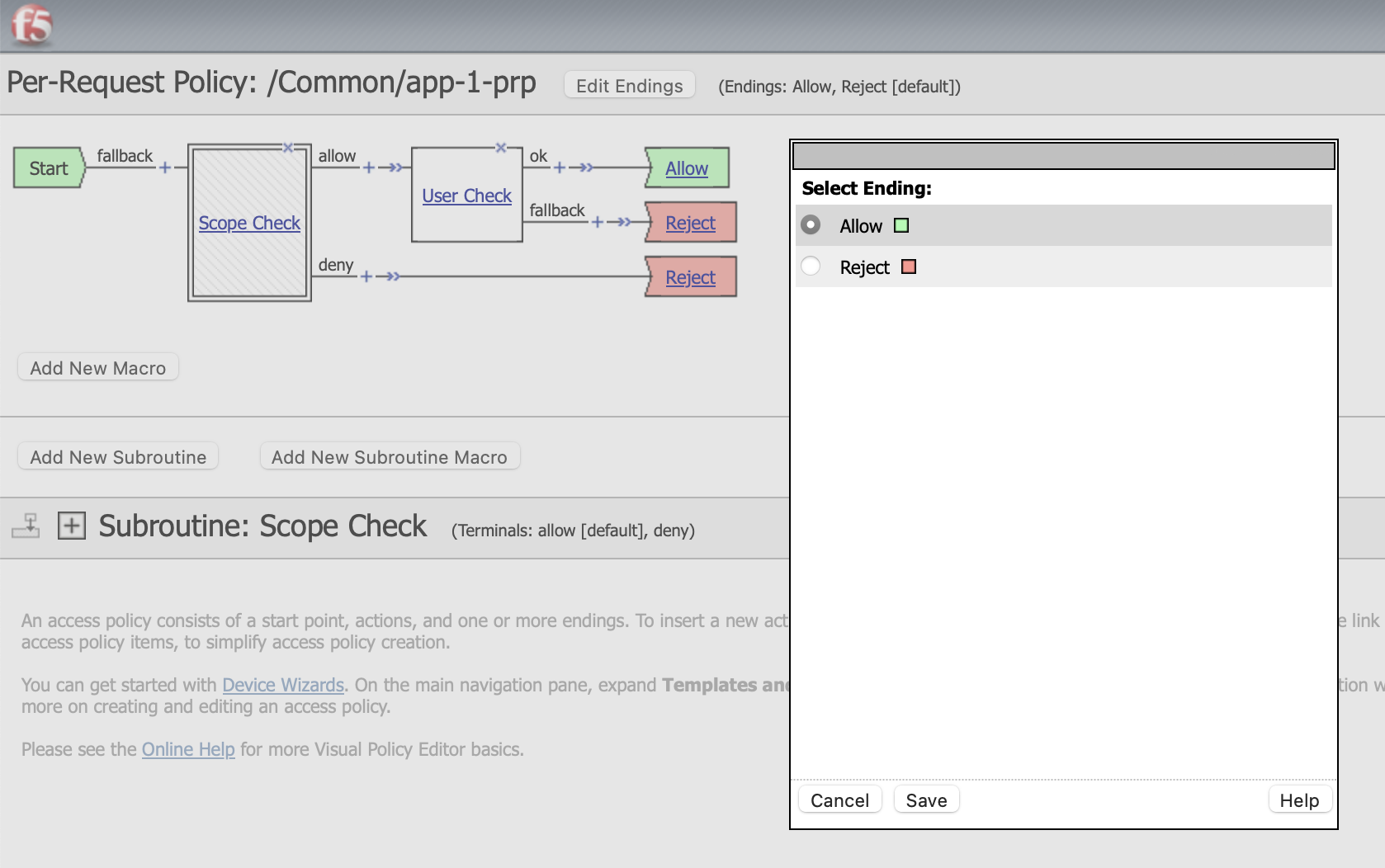
Change the flow Endings
This is the final policy flow
Testing The Configuration
Get new access token, login using admin user
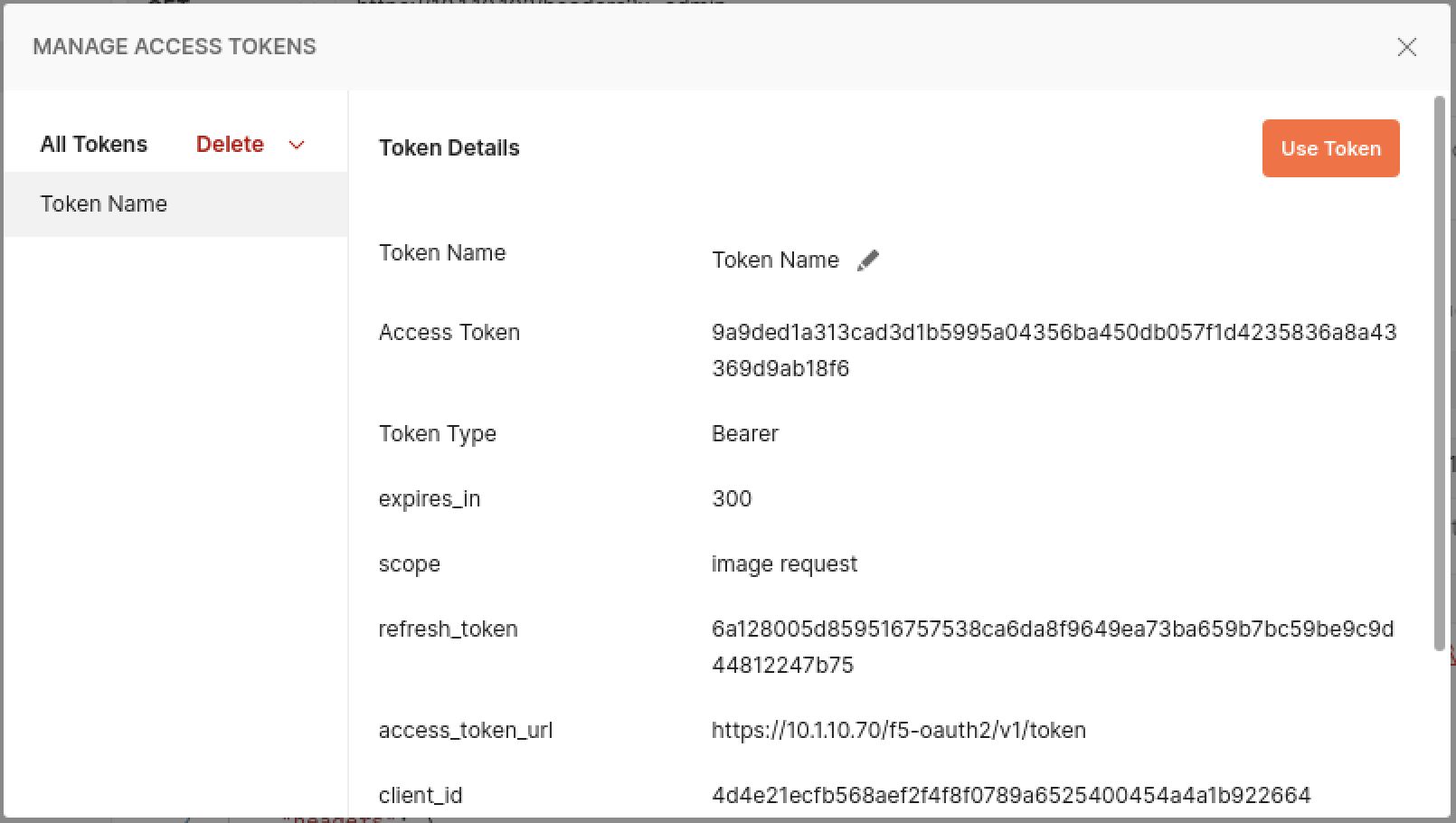
Try to access using admin user
https://10.1.10.102/headers?u=admin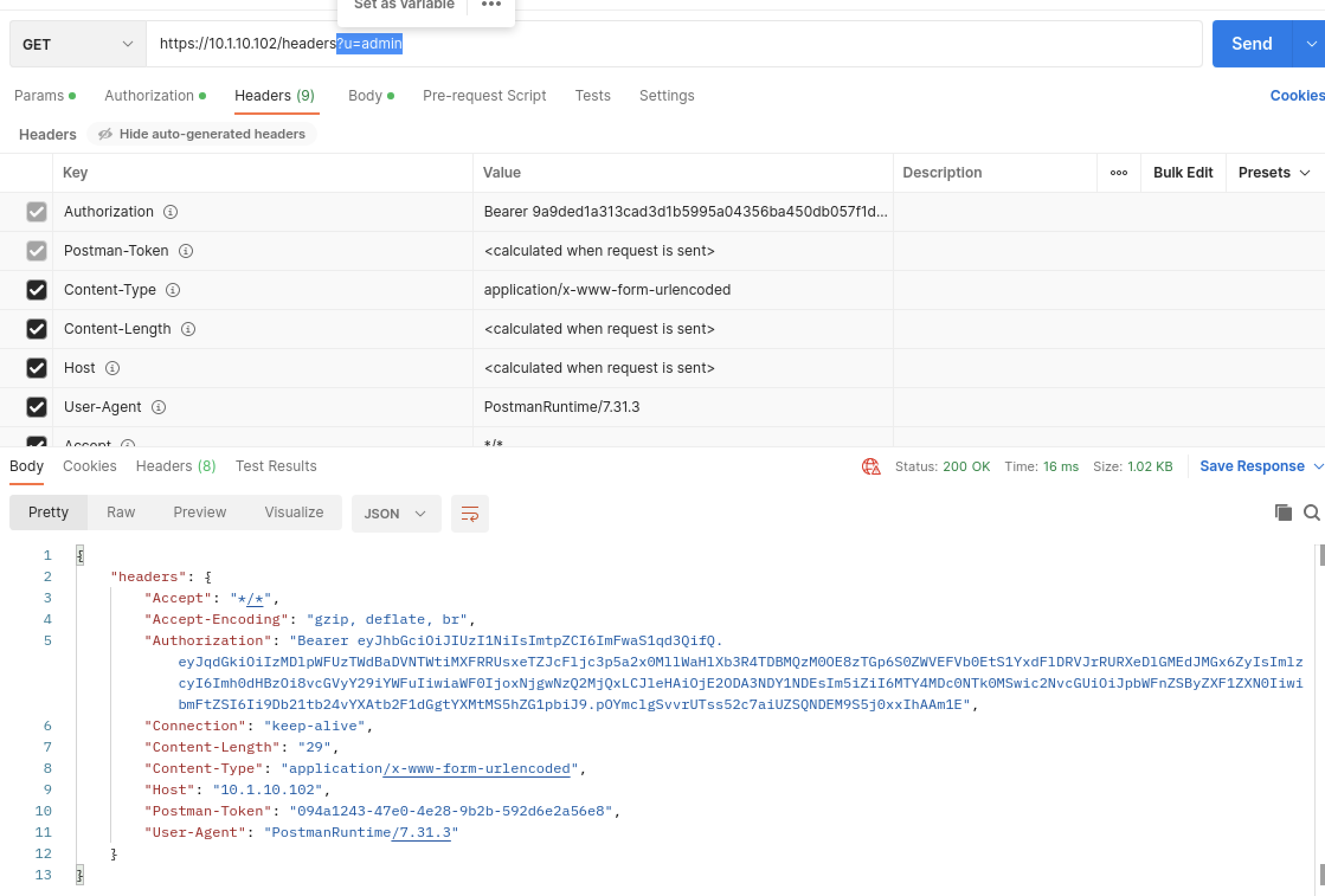
The response is HTTP 200, with a lot of request parameters displayed back
Change the admin to operator user
https://10.1.10.102/headers?u=operator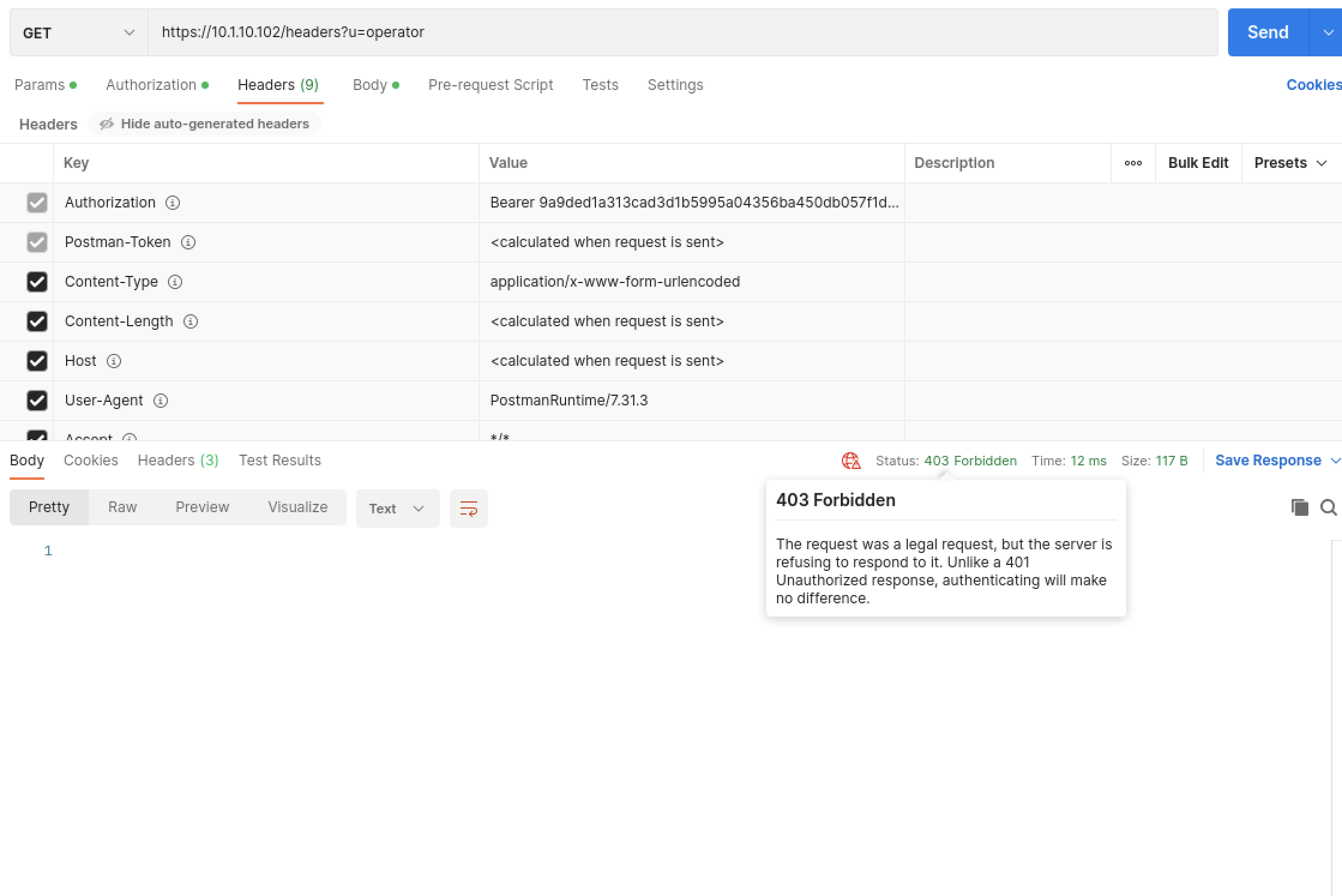
The reponse is HTTP 403 Forbidden, because the access token was issued for
adminuser